


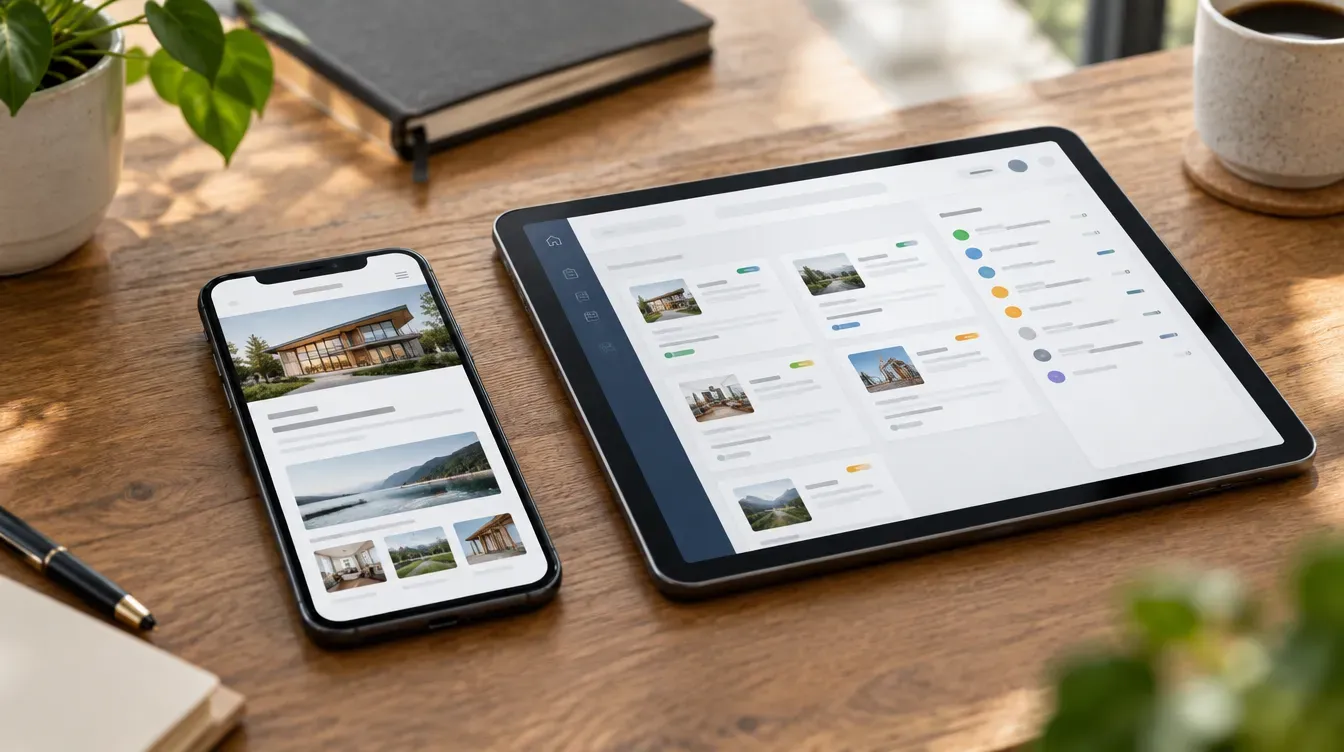
The difference in one sentence
A website is read. A web app is used. Both live in a browser and both can look the same from the outside, but a website presents information to anyone who visits, and a web app lets specific people log in and get work done.
The line matters because the two are scoped, priced and built differently. Applicable does both for NZ small and mid-sized businesses, and the first job in any scoping call is working out which one you actually need.
Five signs you need a web app
A spreadsheet has become a system. Somebody built a spreadsheet to track jobs, or leave, or quotes. Now four people edit it, nobody trusts it and it breaks when the one person who understands it is on holiday. That spreadsheet is a web app waiting to be built.
Customers keep emailing for things they could look up. Where is my order. Can you resend that invoice. What is the status of my application. Every one of those is a support ticket that a customer portal would answer without anyone touching it.
Staff collect data on paper or in messages. Site checks, compliance forms, timesheets and inspection reports photographed and sent through a group chat. A staff portal on a phone captures it once, in a structured form, and it lands where it is needed.
Your process has rules a website cannot enforce. Quotes need approval over a certain value. Only certain customers see trade pricing. A job cannot be closed until the safety checklist is complete. Rules like this need software, not pages.
You are paying for a tool that does 60 per cent of the job. An off-the-shelf product covers most of what you need and the rest is done by hand. If the remaining 40 per cent costs you hours every week, a tool built around how you work pays for itself.
What about low-code tools?
Low-code and no-code platforms let a capable staff member build simple internal tools by configuration rather than programming. They are genuinely useful for small, internal, short-lived needs: a form that feeds a spreadsheet, a simple approval flow, a dashboard.
They have limits worth knowing before you build your business on one:
- Licensing. Most charge per user per month and the fee rises with users and complexity. It is fine for five staff and painful for five hundred customers.
- Ownership. You cannot usually take the code with you. If the platform changes pricing or shuts down, you start again.
- Flexibility. The easier the platform, the less you can customise. The more powerful ones need a developer anyway.
The rule of thumb Applicable uses: if the tool is internal, small and might be thrown away next year, low-code is a good option. If customers will use it, if it holds your core data or if it is how you deliver work, own it.
What a web app costs and how long it takes
Applicable quotes web applications on a fixed scope. The bracket runs from the low tens of thousands for a single-workflow tool up to around NZ$250,000 for a large multi-role platform. Websites, by comparison, run NZ$4,000 to NZ$50,000+ plus GST.
A single-workflow app is typically a few months from scoping to launch. Larger portals take longer, and the scope document says how long before you commit. Every build includes a prototype stage so your own staff or customers try an early version before the real thing is built.
Applicable has built logged-in platforms for organisations including Sport New Zealand, a client since 2012, EAP Services and Firestop's Fire Report. The same team scopes, builds and supports the work, and you own the code at the end.
Start with the one that hurts
You do not need to replace everything at once. Pick the process that costs the most hours or loses the most customers, build that, launch it, then add the next one. Applicable designs the first build so the second and third plug into it rather than starting over.
Key takeaways
- A website is read; a web app is used. If people have to log in and do something, it is a web app.
- The common triggers are a spreadsheet that has become a system, customers emailing for things they could look up and staff collecting data on paper.
- Low-code suits small internal tools; own the code when customers use it or it holds your core data.
- Applicable builds web applications for NZ businesses on a fixed scope, from the low tens of thousands up to around NZ$250,000.